Feature
Vehicle Service History
Keep every visit, every part, and every invoice against the vehicle, so you can see what was done last time before you quote the next job.
A customer brings back a car you serviced eight months ago. What did you change last time? Which parts went in? What did they pay? When the answer sits in a paper file, or in one person’s memory, the conversation starts badly — and the quote you give is a guess.
Piston OS keeps that record for you. Every job card you open is filed against the vehicle and against its owner, with the parts fitted, the work done, and the invoice raised. There is nothing extra to write up at the end of the day.
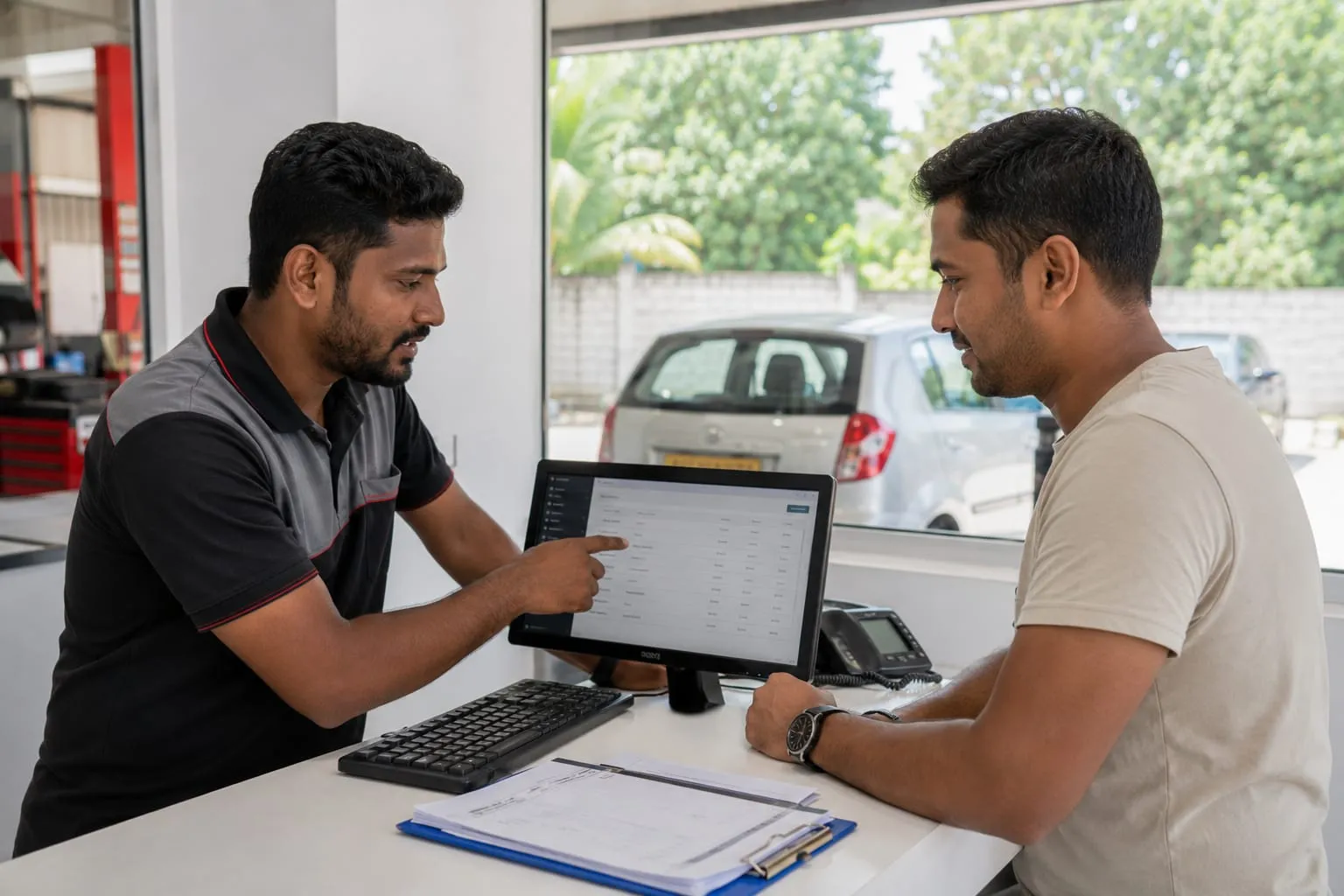
At the counter, you can pull up a vehicle and read its full history while the customer is standing in front of you. The next quote is easier to explain, and the customer can see that you know their car.
We wrote more about this here: Why Vehicle Service History Matters.
Common questions
Do I have to enter the history of vehicles I service today?
No. Every job card you open becomes part of that vehicle record as you work, so the history builds itself.
Can I see the history of a customer who has several vehicles?
Yes. The record is kept against the vehicle and against the customer, so you can look it up either way.
Does Piston OS remind customers when the next service is due?
Piston OS sends SMS updates while a job is running — when the job is approved, when work is in progress, and when the vehicle is ready. Service reminders are not part of it.
Ready to start
See this working in your garage.
Message us on WhatsApp. We will show you how it works on your own phone, step by step.