Feature
Smart Inventory
Track spare parts, stock levels, goods-received notes, and every stock movement, so your garage never loses money on missing parts.
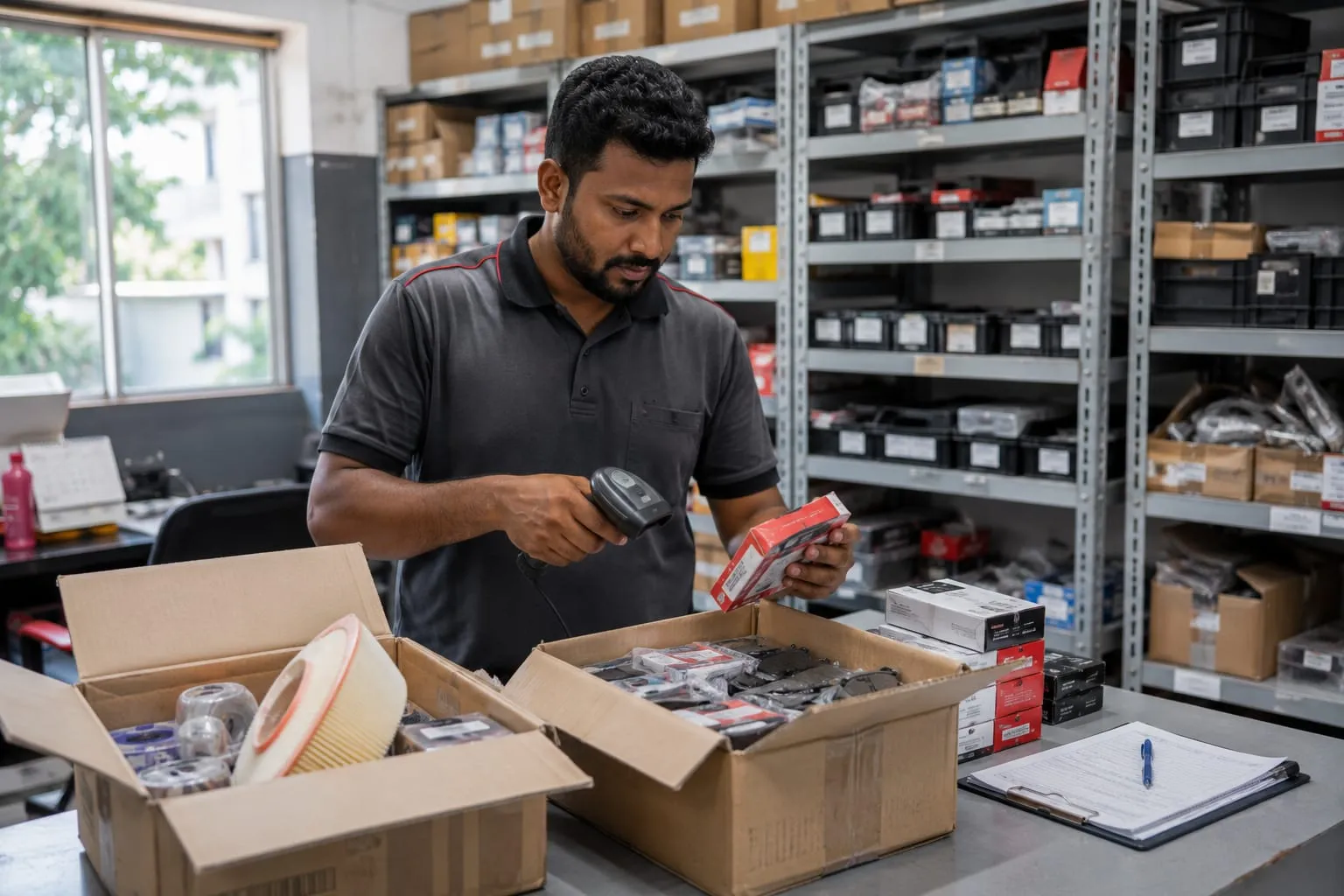
Spare parts are money on a shelf. When nobody tracks them, parts go missing, jobs wait for stock that is not there, and purchases are guesses.
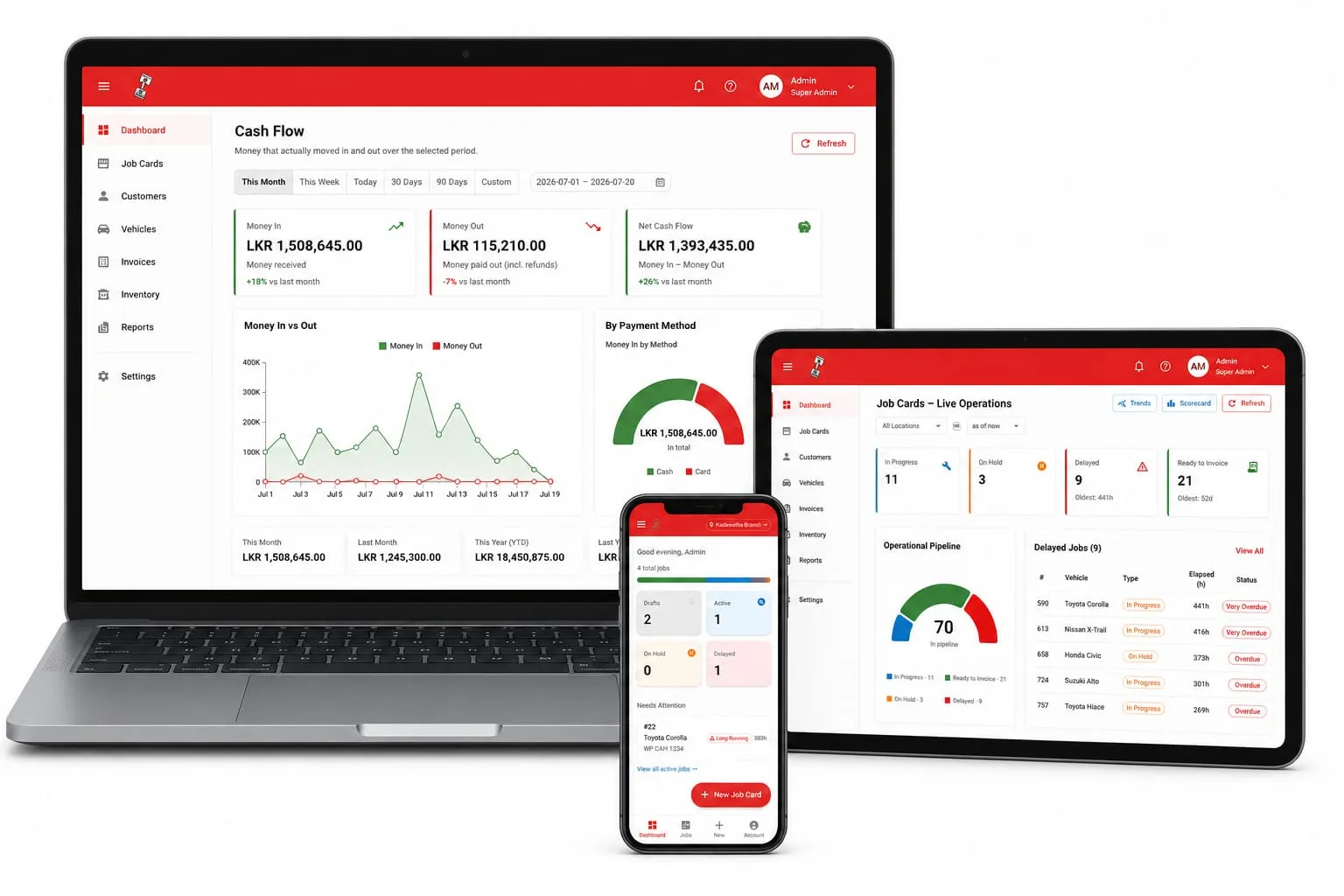
Piston OS keeps your inventory in one place. You can see stock levels for every part, record goods received when new stock arrives, and follow every stock movement — what came in, what went out, and where it went.
When a part is used on a job, it comes off your stock and goes onto the job card. So your stock numbers stay true, and the part is billed to the customer, not forgotten.
If you run more than one branch, you see each branch’s stock separately, and the whole business together.
Common questions
Can I see stock in more than one location?
Yes. Piston OS shows stock per branch, and the full picture across your whole business.
Does it work with barcode scanners?
No. Piston OS does not support barcode scanners or other hardware. Stock is managed in the app.
Ready to start
See this working in your garage.
Message us on WhatsApp. We will show you how it works on your own phone, step by step.